What is The Leads Finder?
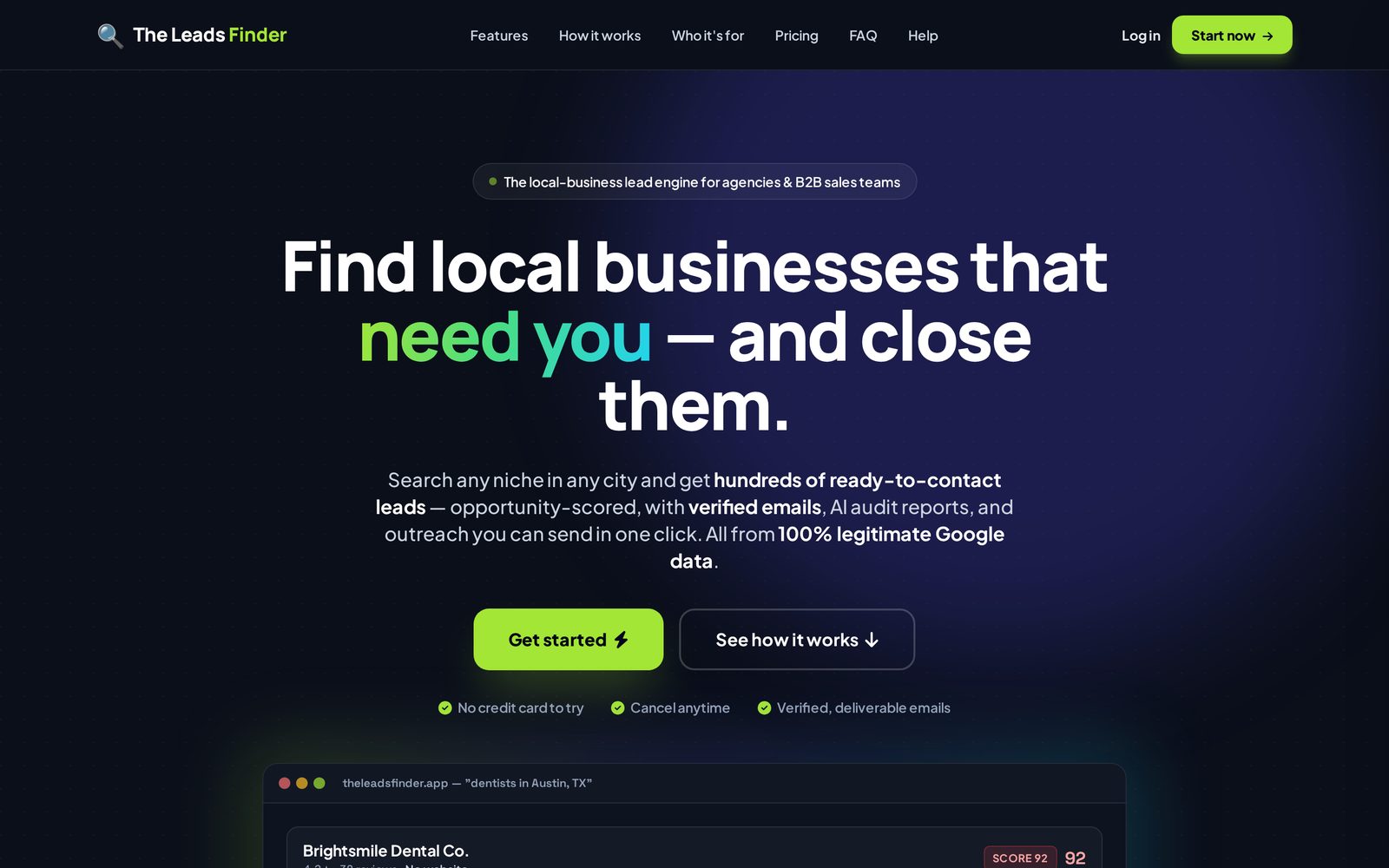
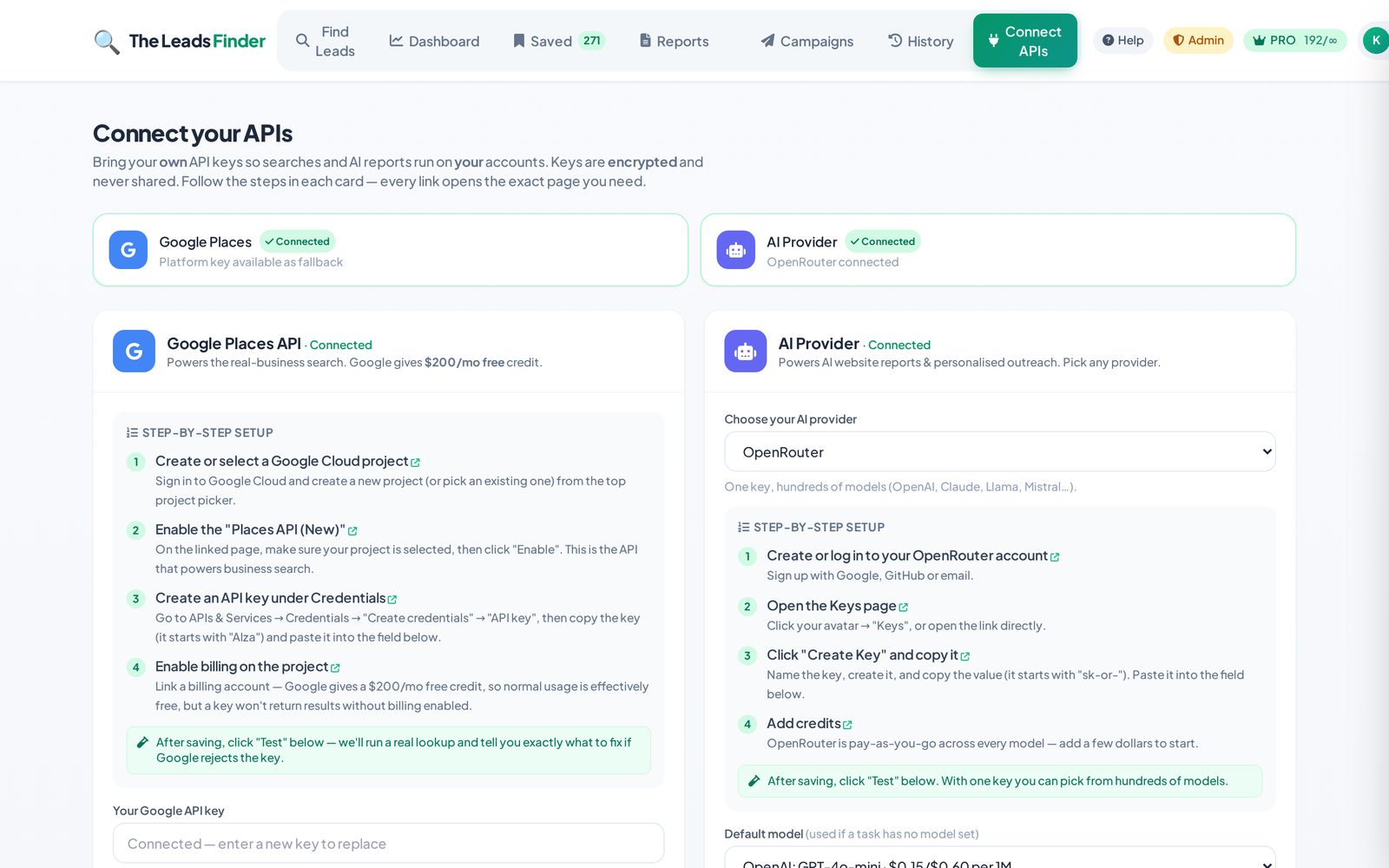
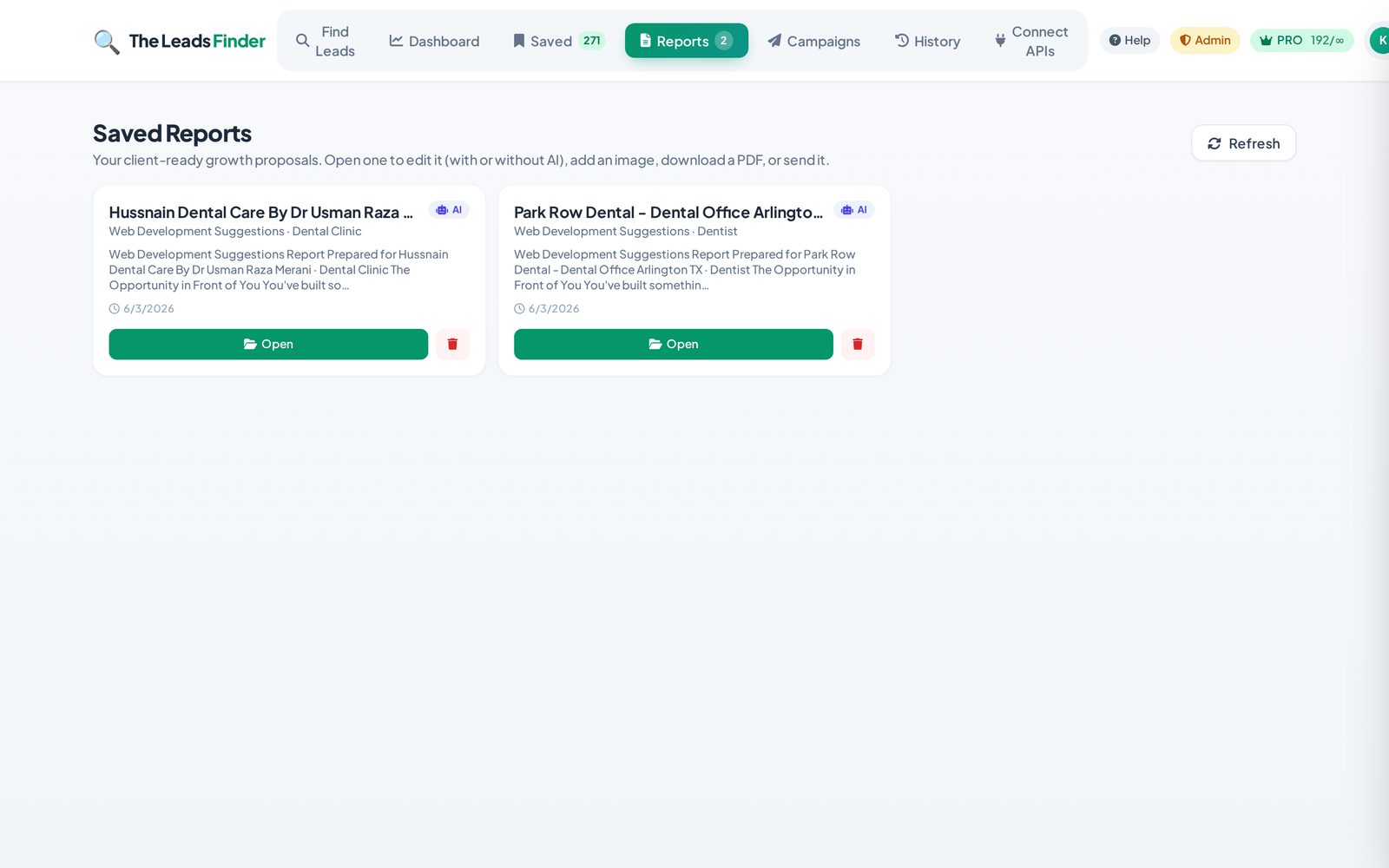
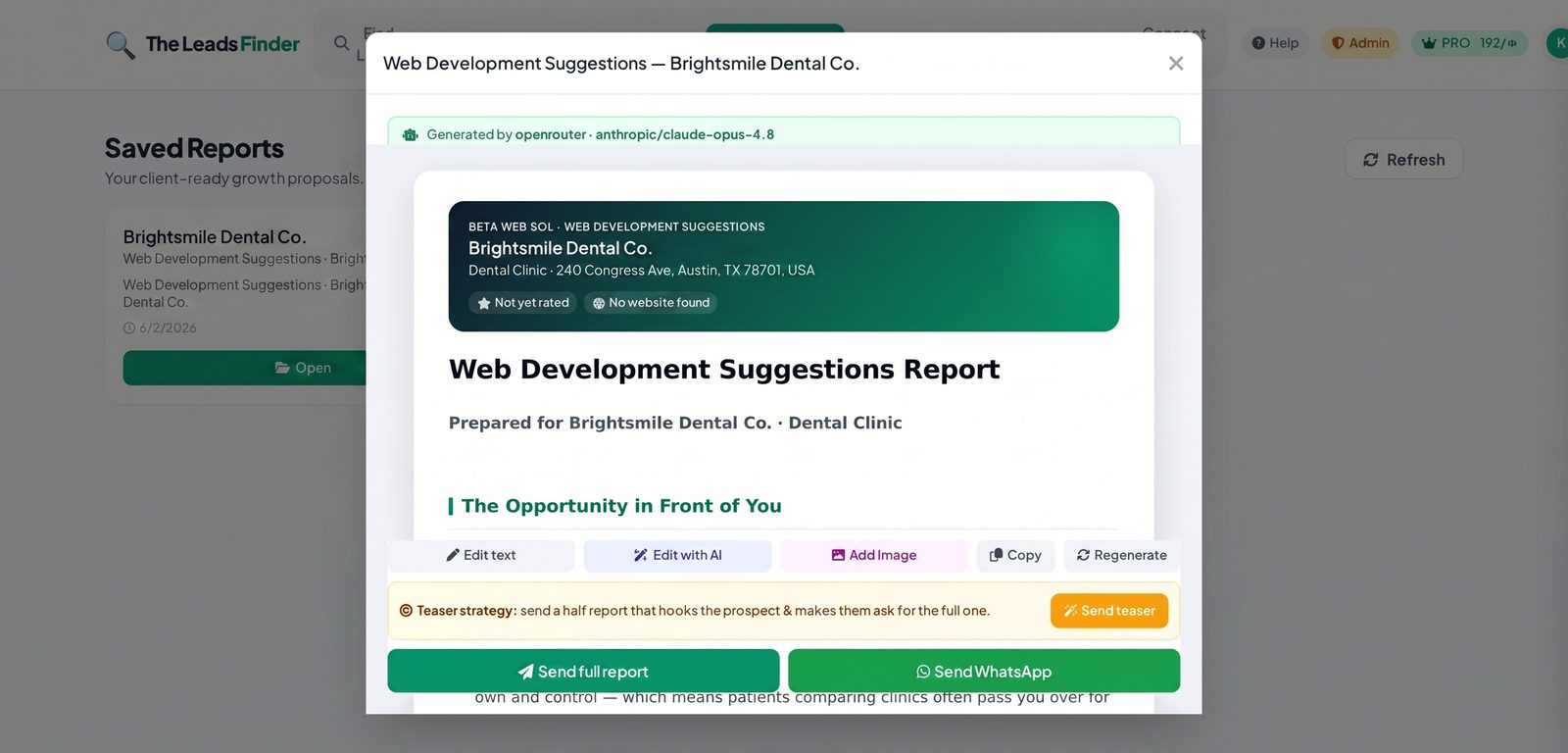
The Leads Finder is a tool for agencies, freelancers and marketers to find local business clients. You search a business type and a city, and we return scored, contact-ready leads pulled from live public business listings (Google Places). For each lead you can find a verified email, generate an AI website audit/report, and write personalised outreach — all in one place.
How do I run my first search?
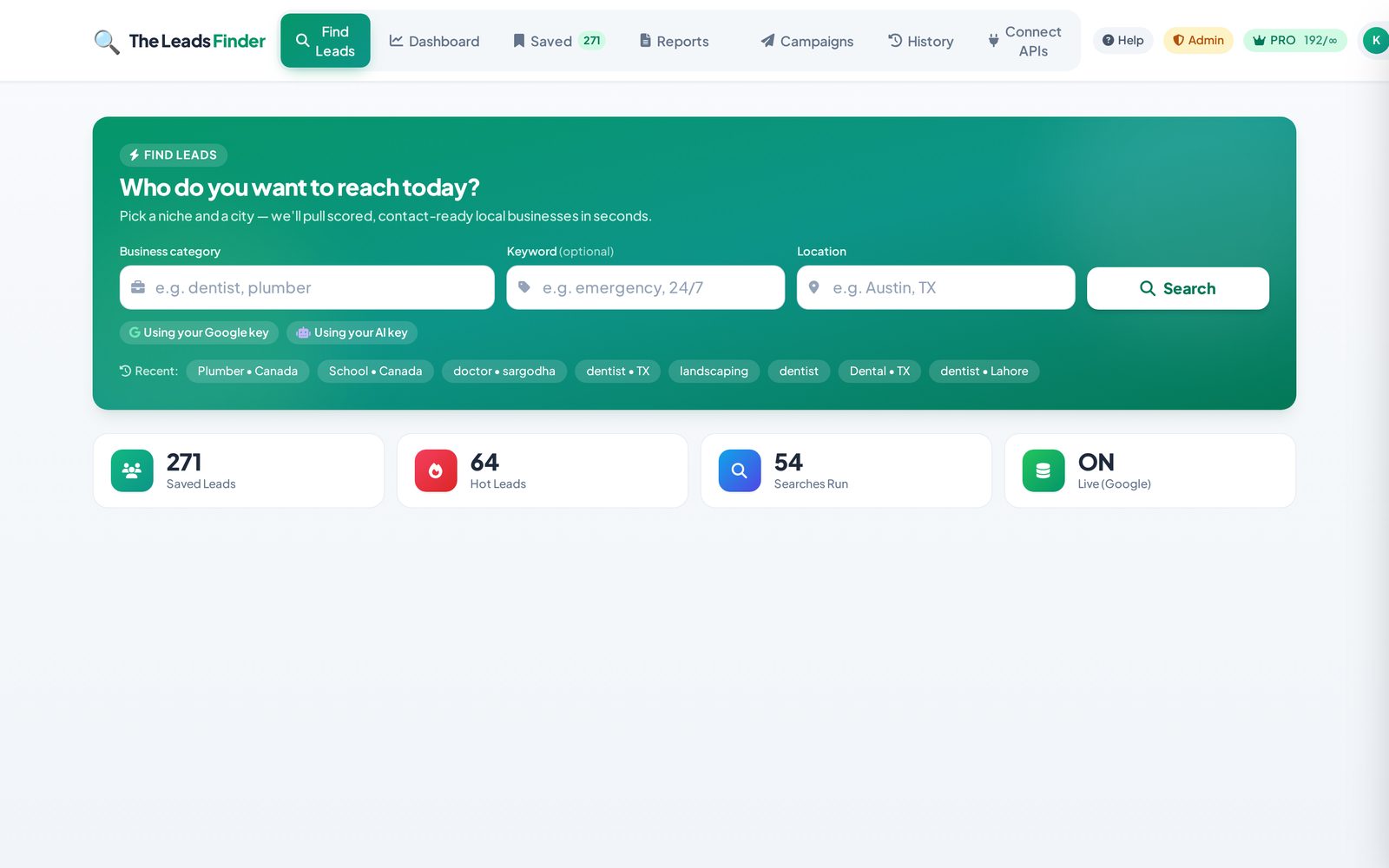
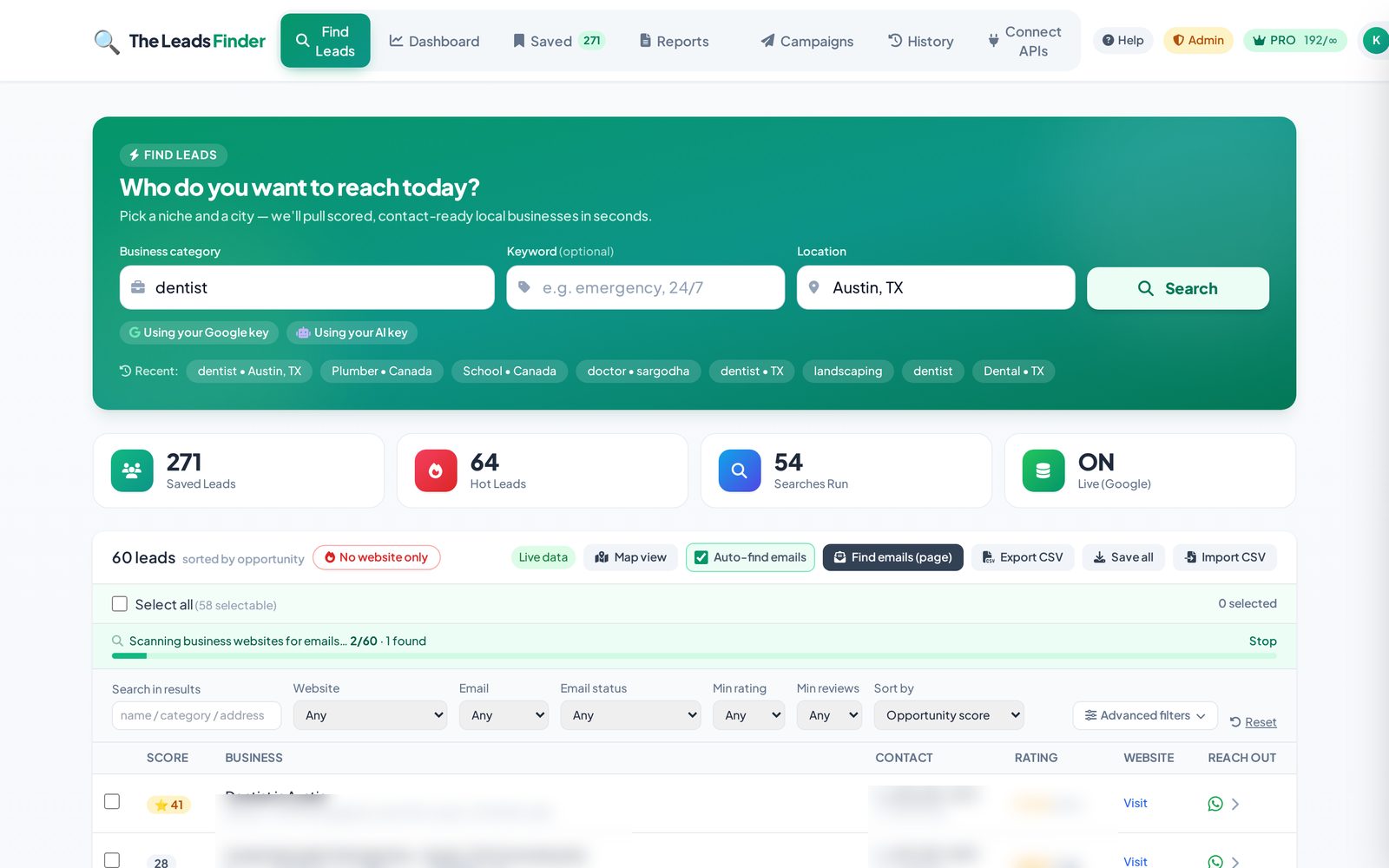
Open the Find Leads tab, type a business category (e.g. "dentist", "plumber"), optionally a keyword, and a location (e.g. "Austin, TX"), then click Search. Within seconds you'll get a list of businesses, each with an opportunity score. Click any lead to see full details, find an email, generate a report, or draft an outreach message.
What does the lead "score" mean?
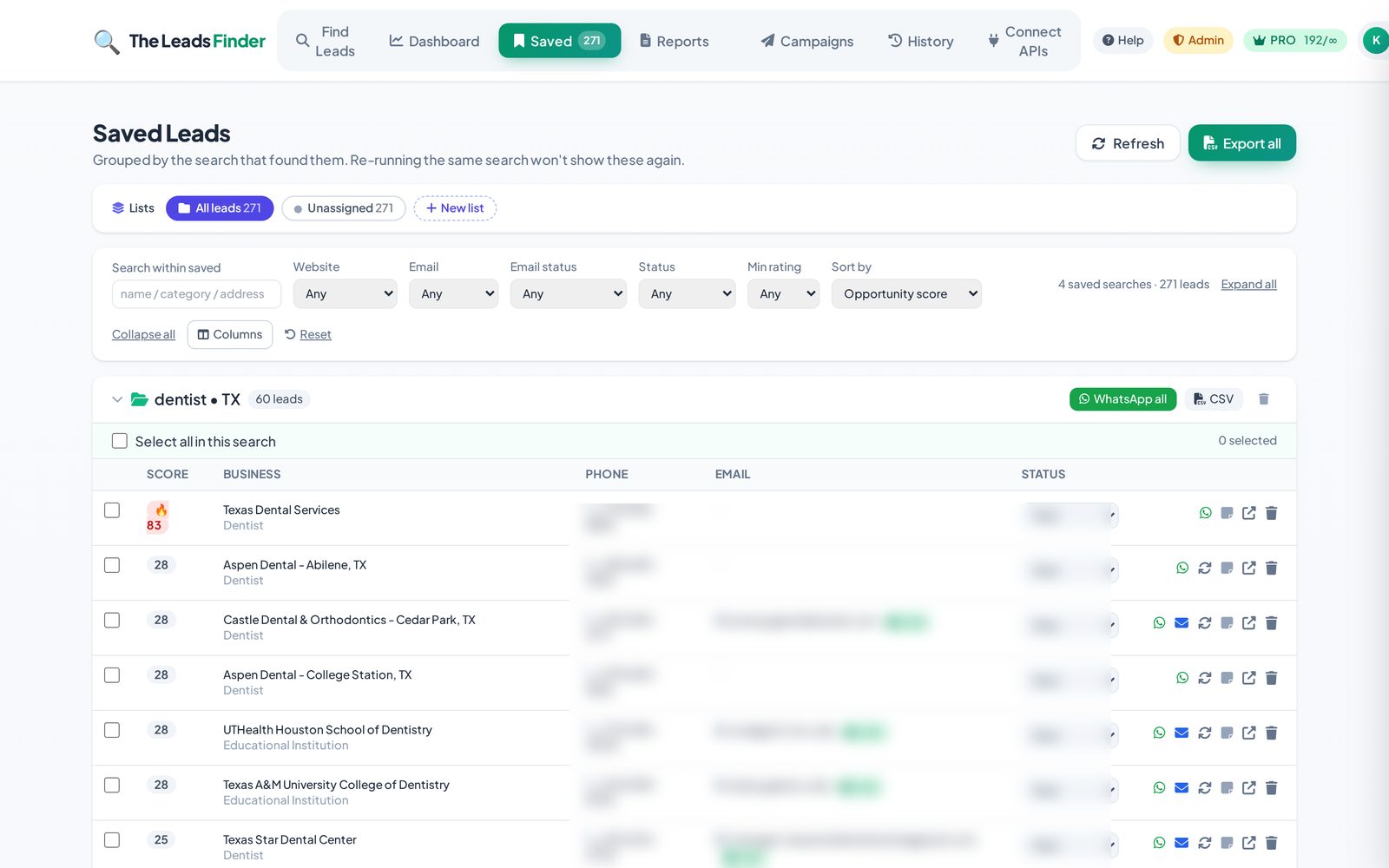
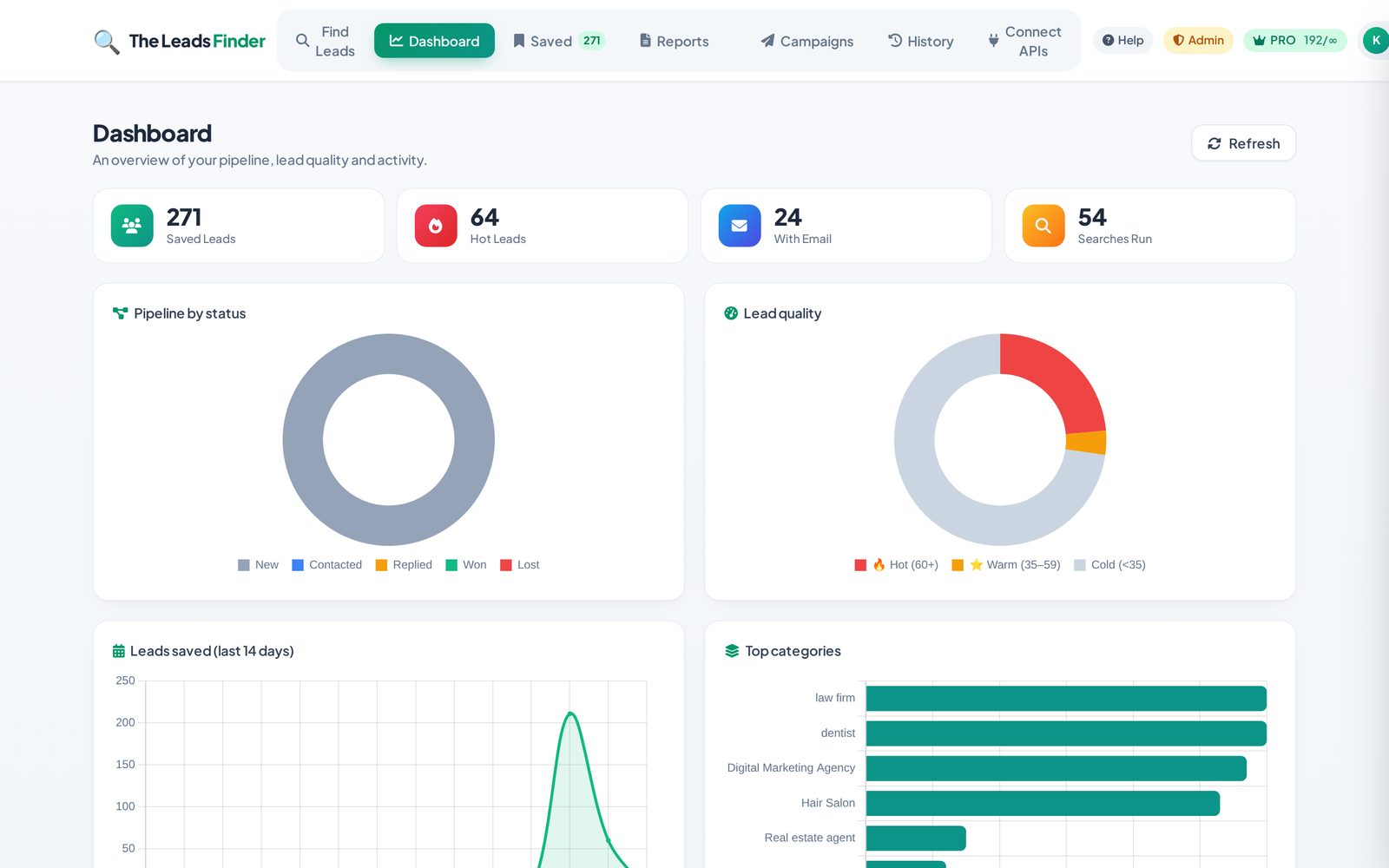
The score (0–100) estimates how good a sales opportunity a business is. A higher score usually means the business has clear gaps you can help with — for example no website, a low rating, few reviews, or an outdated web presence. 🔥 60+ = hot, ⭐ 35–59 = warm, and below 35 = lower priority. Use it to prioritise who to contact first.
How do I save leads?
On any search result, click the bookmark/save icon on a lead, or use Save all to store the whole search. Saved leads live in the Saved tab where you can revisit, export, or run outreach on them later.
Can I export my leads to CSV?
Yes. In the Saved tab, use the export button to download a CSV of your leads — ready to import into your CRM or cold-email tool.